
Create an API Key
Generate an API key to authenticate requests to the GPUnet models gateway.
You need an API key to send requests to the GPUnet models gateway.
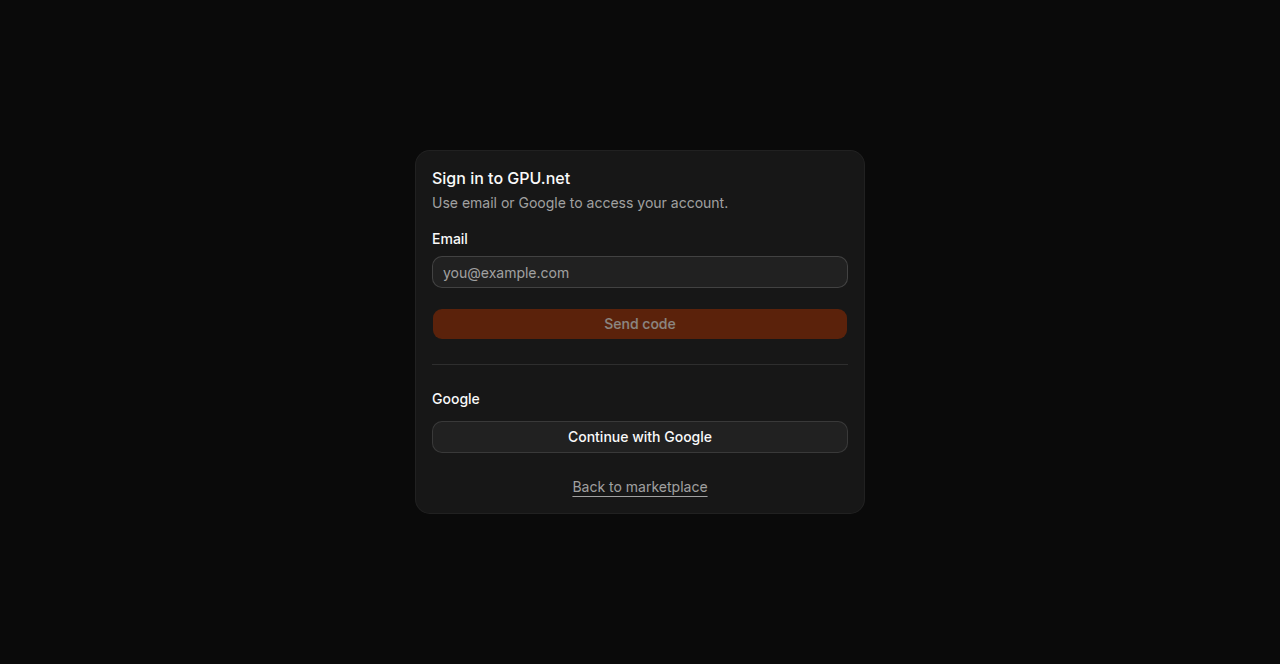
1. Log in
Go to cloud.gpu.net/models and sign in. Enter your email and click Send code, or click Continue with Google.
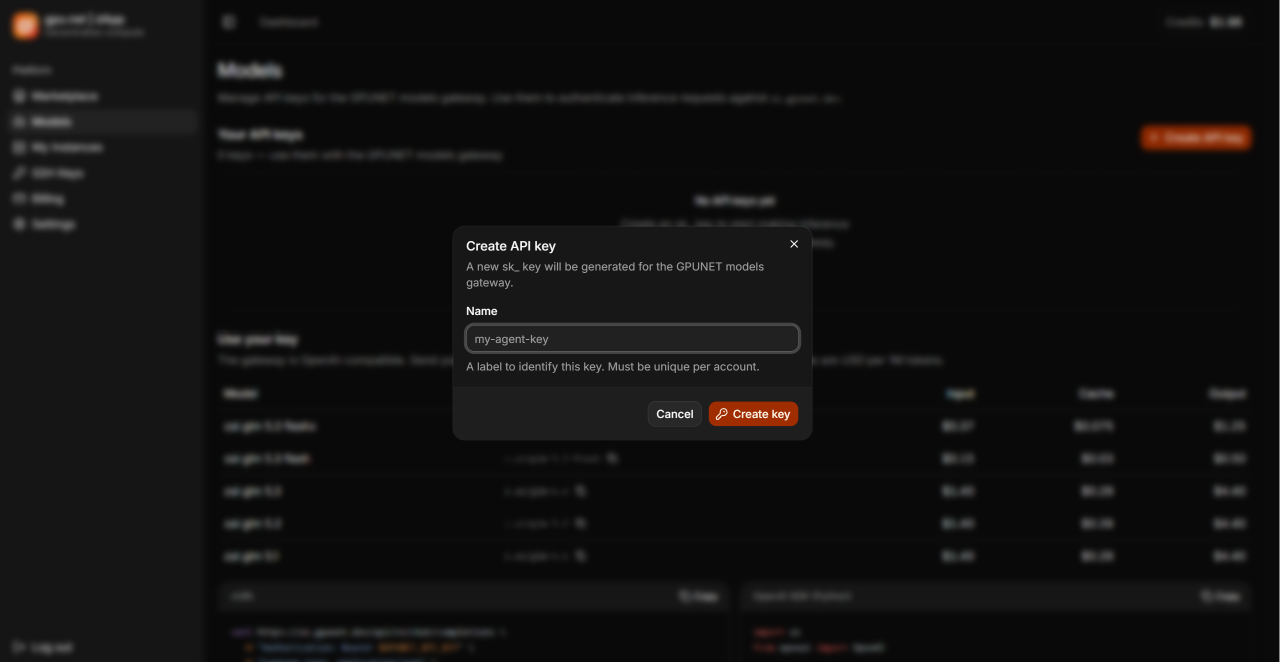
2. Create the key
Click Create API key, enter a name for your key, then click Create key. The name must be unique within your account.
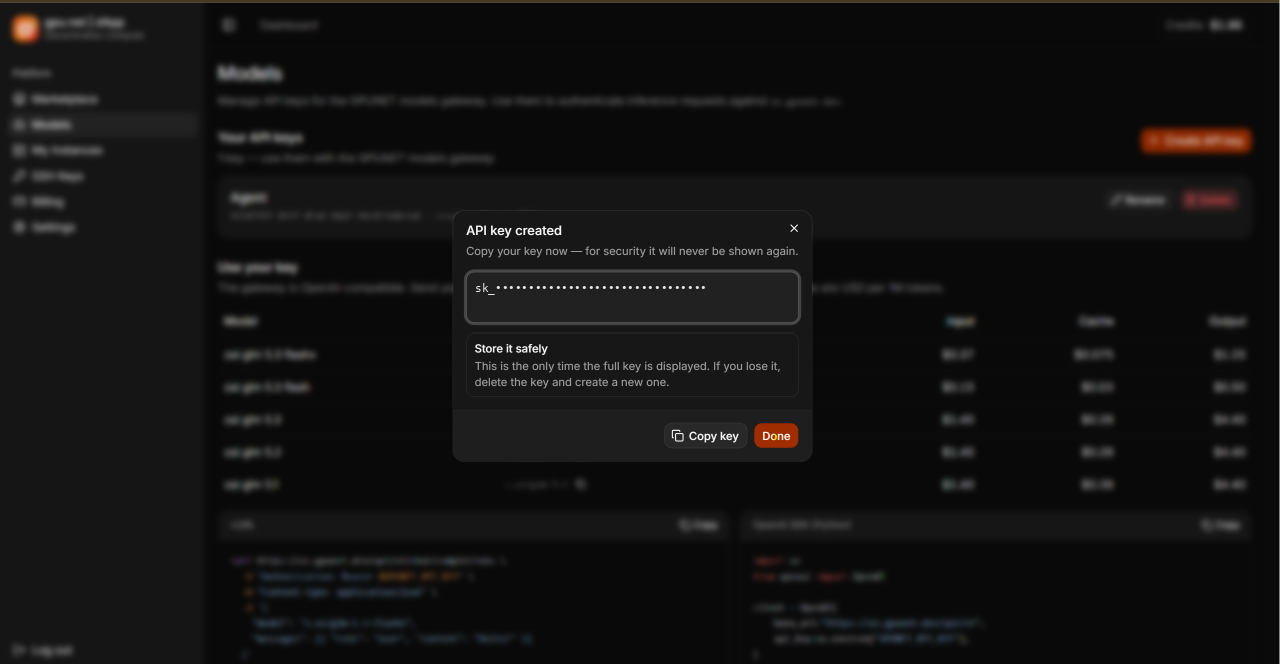
3. Copy the key
Click Copy key, store the key somewhere safe, then click Done.
Copy your key now
Copy your key before clicking Done. For security reasons, it is shown only once and cannot be viewed again. If you lose it, you will need to create a new key.
Last updated on